Create a form endpoint
Name the form, verify its recipients, and copy the public form key from your dashboard.
Connect any HTML or JavaScript form to a secure endpoint. Qubeforms handles spam, files, notifications, webhooks, and the inbox your team actually needs.
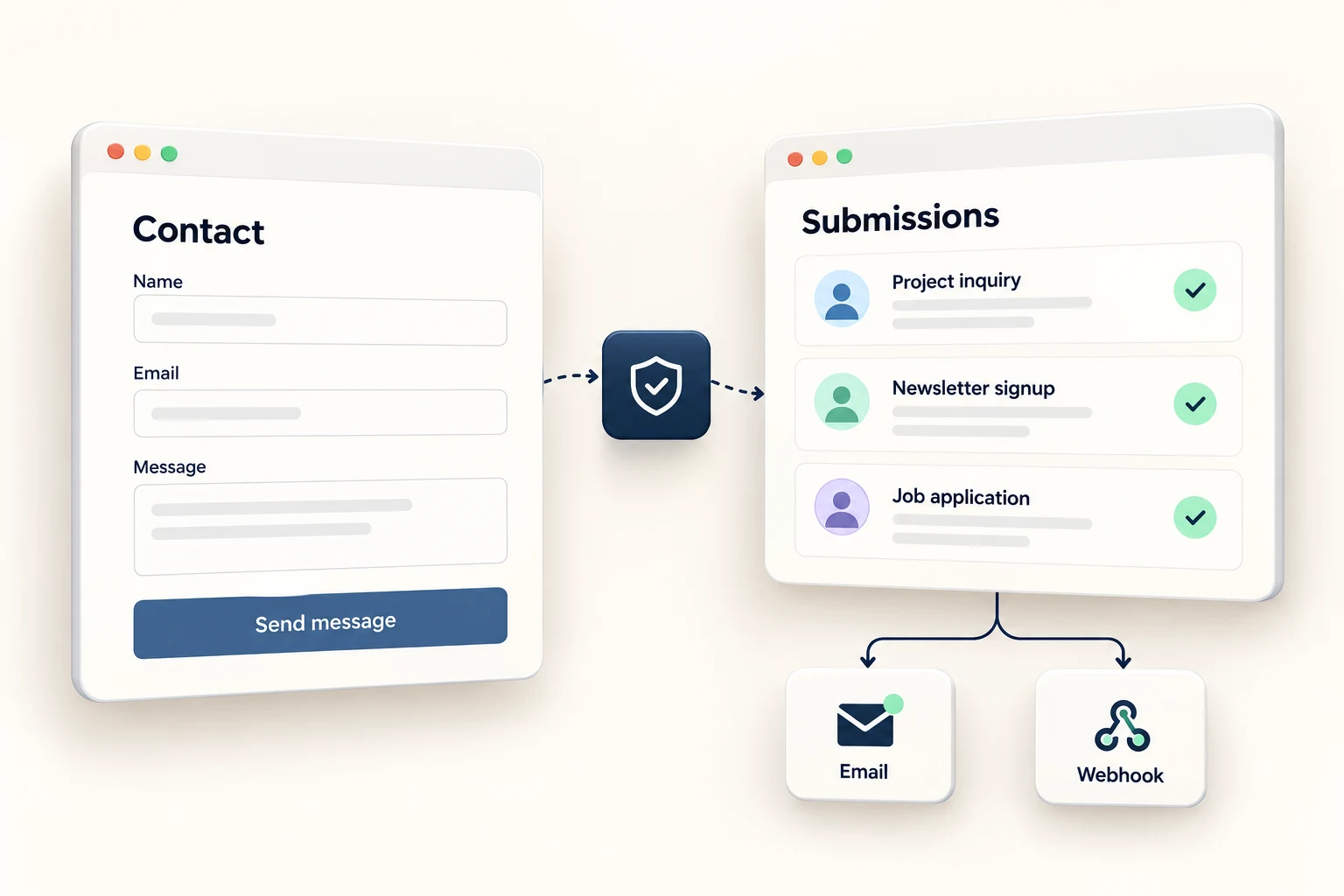
Use whatever you already use
Qubeforms is the backend for forms built anywhere. Give your form an endpoint and get validated, encrypted submissions in a searchable inbox—plus reliable email delivery to recipients you have verified.
No SDK is required. Your form stays yours; Qubeforms simply gives it somewhere dependable to go.
Name the form, verify its recipients, and copy the public form key from your dashboard.
Use the endpoint as a standard HTML action or send FormData or JSON using fetch.
Submissions appear in your inbox while notification email, webhooks, and retries happen behind the scenes.
Start with plain HTML. Add JavaScript only when the experience calls for it. The response stays clean either way.
<form action="https://api.qubeforms.io/v1/cf_pk_demo/submissions" method="POST">
  <label for="contact-email">Email</label>
  <input id="contact-email" type="email" name="email" autocomplete="email" required>

  <label for="contact-message">How can we help?</label>
  <textarea id="contact-message" name="message" required></textarea>

  <button type="submit">Send message</button>
</form>const form = document.querySelector('#contact');
form.addEventListener('submit', async (event) => {
event.preventDefault();
const response = await fetch(form.action, {
method: 'POST',
headers: { 'Accept': 'application/json' },
body: new FormData(form)
});
const result = await response.json();
if (response.ok) form.reset();
});export function ContactForm() {
async function submit(event) {
event.preventDefault();
const response = await fetch(FORM_URL, {
method: 'POST',
body: new FormData(event.currentTarget)
});
if (!response.ok) throw new Error('Not sent');
}
return <form onSubmit={submit}>…</form>;
}const status = ref('ready')
async function submit() {
status.value = 'sending'
const response = await fetch(formUrl, {
method: 'POST',
headers: { 'Content-Type': 'application/json' },
body: JSON.stringify(fields.value)
})
status.value = response.ok ? 'sent' : 'error'
}The best form backend is the one your visitors never have to think about and your team can always trust.
Honeypots, rate limits, domain rules, verified recipients, encrypted payloads, and optional captcha protection.
SecuritySearch, inspect trust signals, separate spam, export CSV, and take bulk actions without digging through email.
WorkflowEmail notifications arrive with retries and visible status. Reply-To can point directly to the submitter.
EmailSend timestamped, HMAC-SHA256 signed webhooks into the systems and pipelines your team already uses.
WebhooksSend attachments to private storage and expose time-limited secure links instead of public files.
Paid plansSave progress on multi-step forms and follow up when a high-intent visitor does not reach the last screen.
DraftsPreflights are handled and fetch clients receive structured JSON, without maintaining a proxy endpoint.
DevelopersTLS in transit, controlled retention, no sale of personal data, and tools designed for GDPR-aware workflows.
PrivacyEvery request moves through a deliberate pipeline before it becomes a message in your inbox.
HTML, FormData, multipart, or JSON.
Origins, limits, spam signals, and fields.
Data is encrypted and files stored privately.
Inbox, email, webhook, or API.
The free plan is free for good. No card, no trial countdown, no backend deployment.
Create a free endpoint